
Forms
A Discord application bot for staff forms and sign-ups
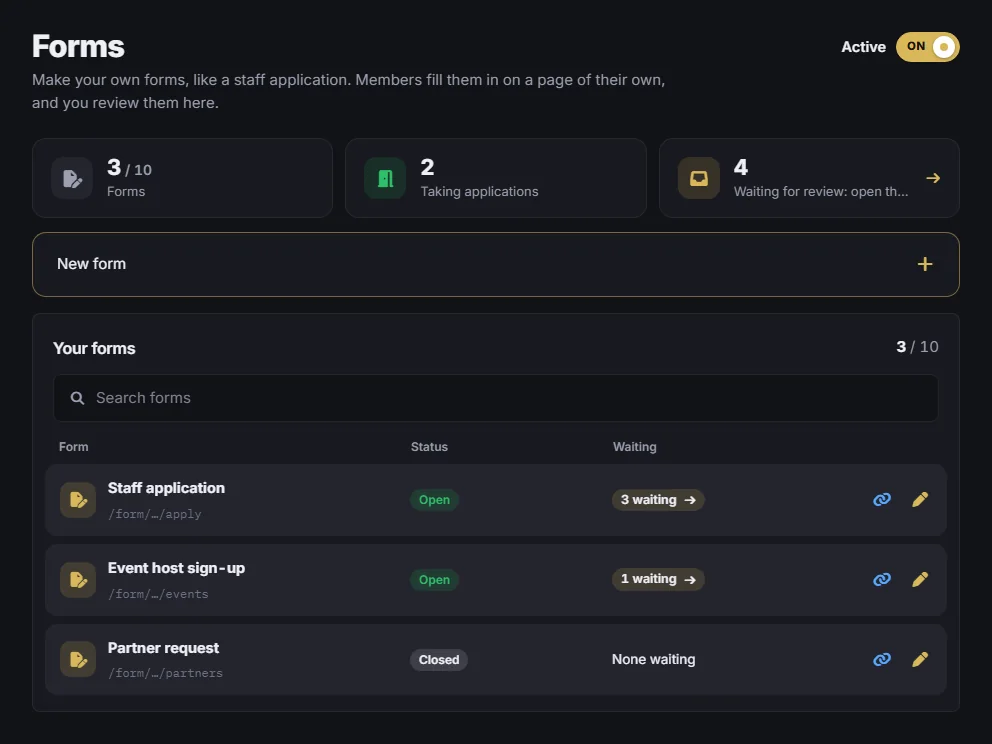
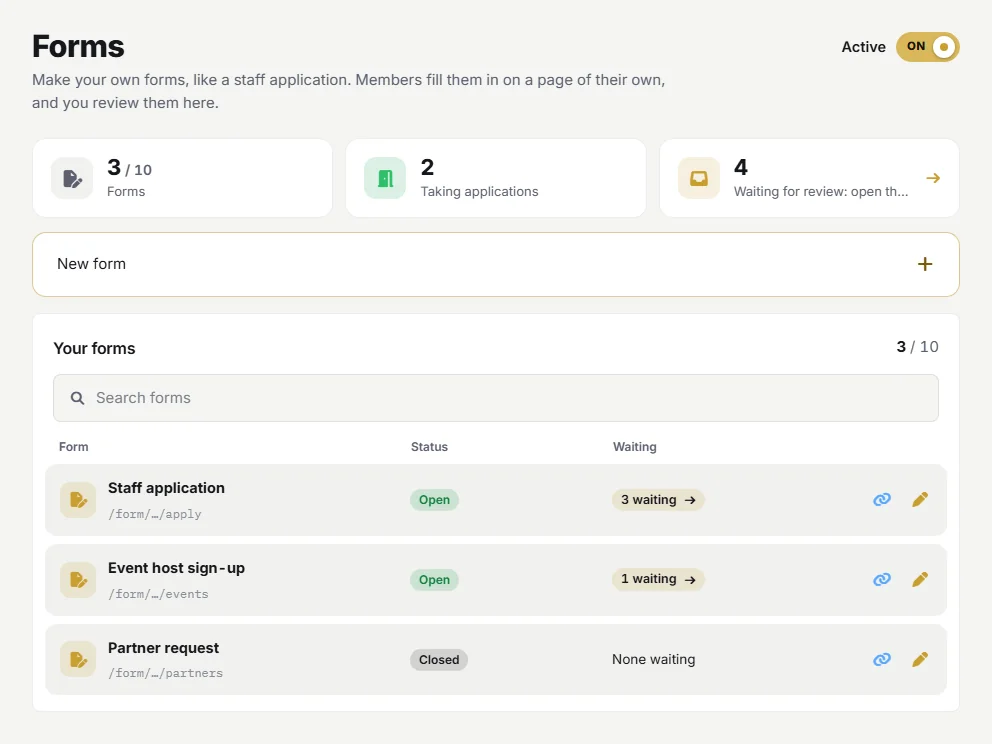
Build a form, share its link and review what members send. Accept or deny with a note, and the member gets a DM with your decision.
Free to use right now. Some features may move to a paid plan in the future.
What it can do
Many kinds of question
Written answers, tick boxes, dropdowns, numbers, email, date, time, time zone, pictures and YouTube links.
Easy to fill in
Members answer one question at a time, on a page made to work on phones.
Review in one place
Applications are sorted into pending, accepted and denied, and can be posted to a channel as they arrive.
A role on accept
Give the form's role to members you accept.
Set it up in three steps
Add the bot
Add Chrysoberyl to your server and sign in to the dashboard.
Make a form
Open Utilities, then Forms, and start from the staff application template or a blank form.
Share the link
Post the form's address in your server and review applications on the dashboard.
Questions people ask
How do I make a staff application for Discord?
Open Forms on the dashboard, start from the Staff application template, change the questions and share the link.
Do applicants have to be in my server?
By default they log in with Discord and must be members. You can turn that off and let anyone apply with their Discord username.
How many forms can I have?
Up to 10, each with up to 15 sections.
Works well with
Add Chrysoberyl to your server
Forms, moderation, leveling and more in one bot, all set up from the dashboard.