
Support tickets
A Discord ticket bot for private, organised support
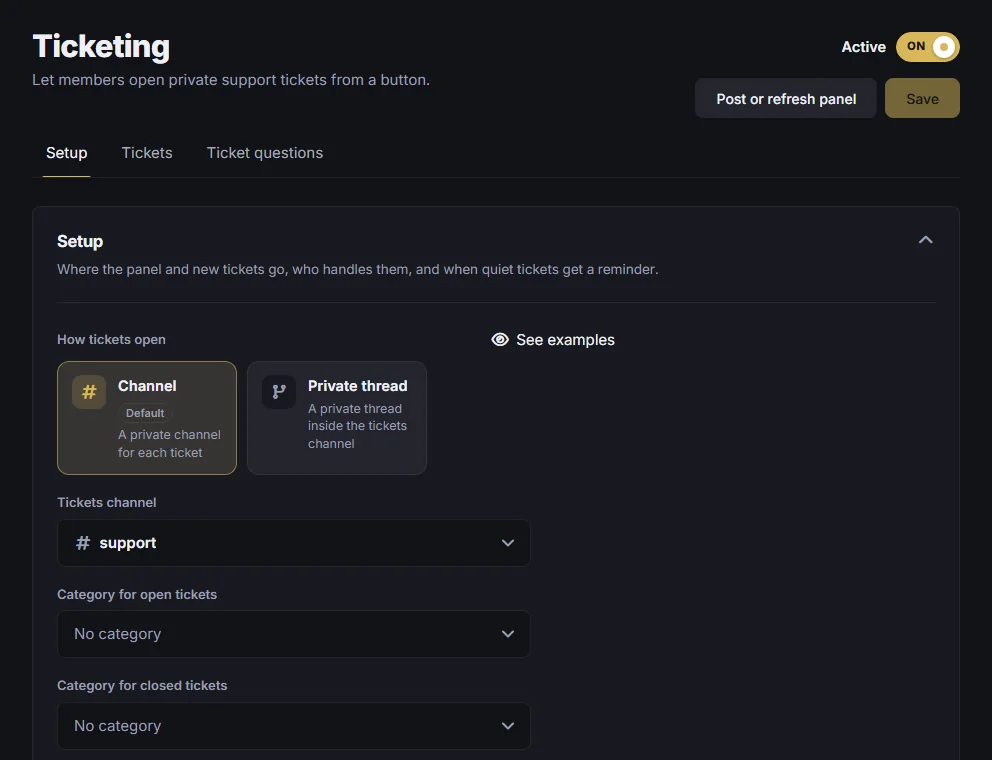
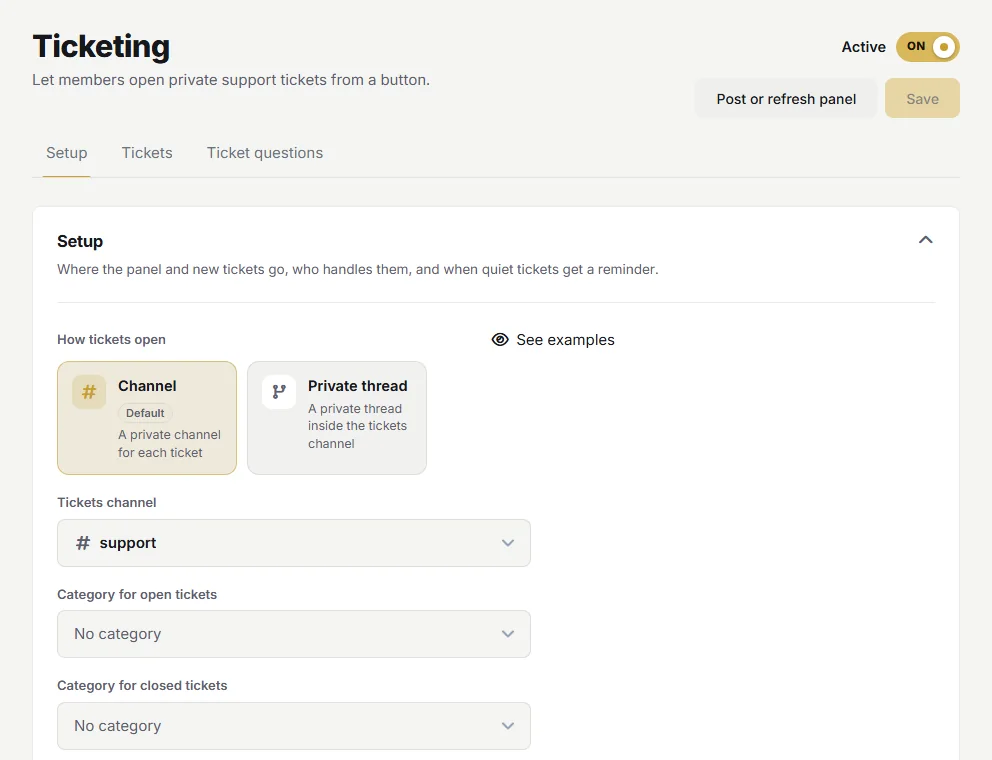
Post a panel with a button. Members click it to open a private ticket that only they and your support team can see, answering a few questions first so your team has what it needs.
Free to use right now. Some features may move to a paid plan in the future.
What it can do
One-click panel
Write the panel message and button, then post it. Members open a ticket with one click.
Questions first
Ask members a few questions when they open a ticket. Their answers are posted in the ticket.
Categories
New tickets go in one category and closed tickets move to another, keeping the channel list tidy.
Reminders
Choose how many quiet days pass before the bot sends a reminder in a ticket.
Set it up in three steps
Add the bot
Add Chrysoberyl to your server and sign in to the dashboard.
Set it up
Open Ticketing and pick the panel channel, ticket categories and your support role.
Post the panel
Write the panel message and its button, then press Post panel.
Questions people ask
How do I make a ticket system on Discord?
Add a ticket bot like Chrysoberyl, choose where tickets go and who can see them, and post a ticket panel. Members open tickets with its button.
Who can see a ticket?
Only the member who opened it and your support role.
Can members answer questions when opening a ticket?
Yes. Add a few questions and their answers are posted at the top of the new ticket.
Works well with
Add Chrysoberyl to your server
Support tickets, moderation, leveling and more in one bot, all set up from the dashboard.