
Moderation and AutoMod
A Discord moderation bot that stops trouble before your mods see it
AutoMod checks every message against the rules you switch on and acts on its own: delete, warn, time out, kick or ban. Warnings add up to automatic punishments, and every action is logged.
Free to use right now. Some features may move to a paid plan in the future.
What it can do
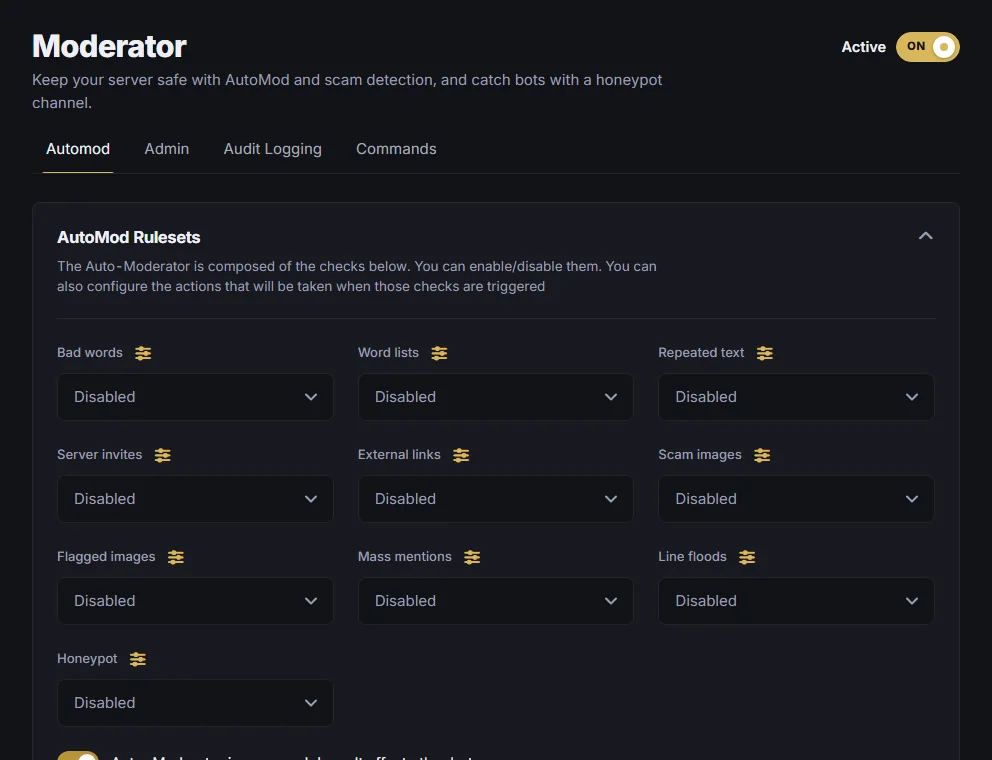
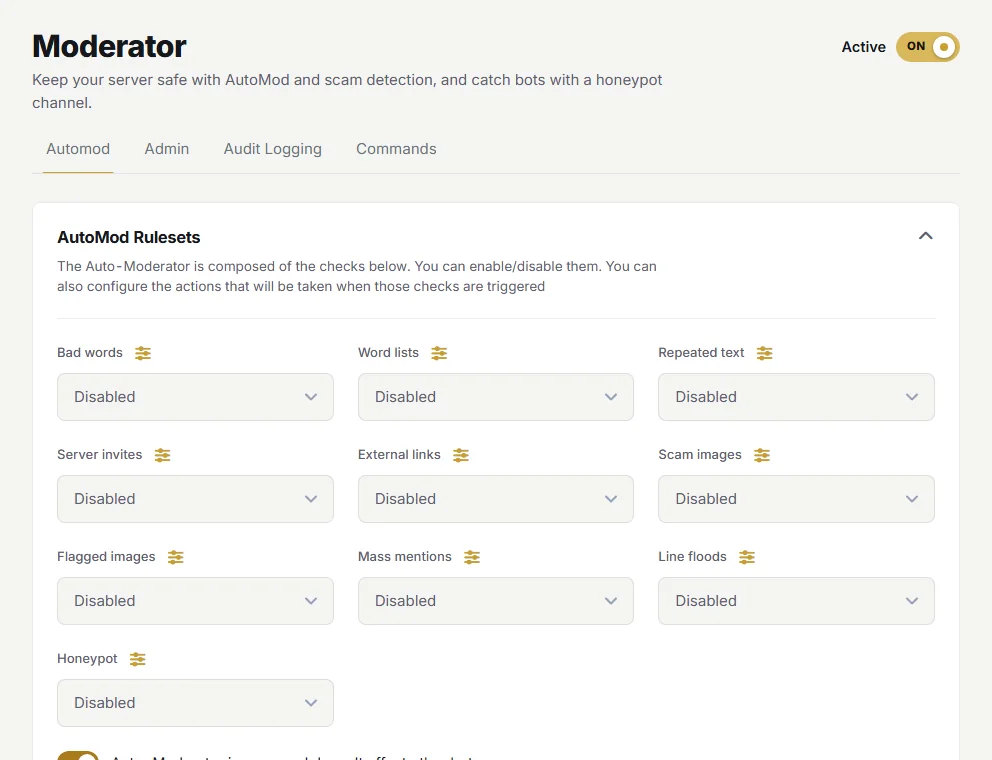
AutoMod rules
Bad words, spam, invite links, unsafe links, scam images, mass mentions and newline spam, each with its own action.
Automated actions
Punishments that happen on their own as members collect warnings, like a timeout at 3 and a ban at 5.
Honeypot channel
A trap channel that catches spam bots that post everywhere. Anyone who posts there is caught automatically.
Audit log
A log channel for server events, so your team can see what happened and when.
Channel locking
Lock a channel during a raid or a heated moment, with an embed that tells members why.
Admin roles
Choose roles that AutoMod never acts on, so your staff can post freely.
Set it up in three steps
Add the bot
Add Chrysoberyl to your server and sign in to the dashboard.
Switch on rules
Open Moderator, then AutoMod, and set each rule to an action.
Set the escalation
Under Automated Actions, choose what happens after a number of warnings.
Questions people ask
What does a Discord moderation bot do?
It watches messages and acts on rule breaks for you: deleting spam and scam links, warning members, and timing out, kicking or banning repeat offenders.
How do I stop spam bots on Discord?
Turn on the spam and link rules in AutoMod, and set up a honeypot channel. Spam bots that post in every channel get caught there automatically.
Can banned members appeal?
Yes. Punishment messages can include an appeal link, and appeals arrive on the dashboard for your team to review.
Works well with
Add Chrysoberyl to your server
Moderation and AutoMod, moderation, leveling and more in one bot, all set up from the dashboard.