
Custom commands
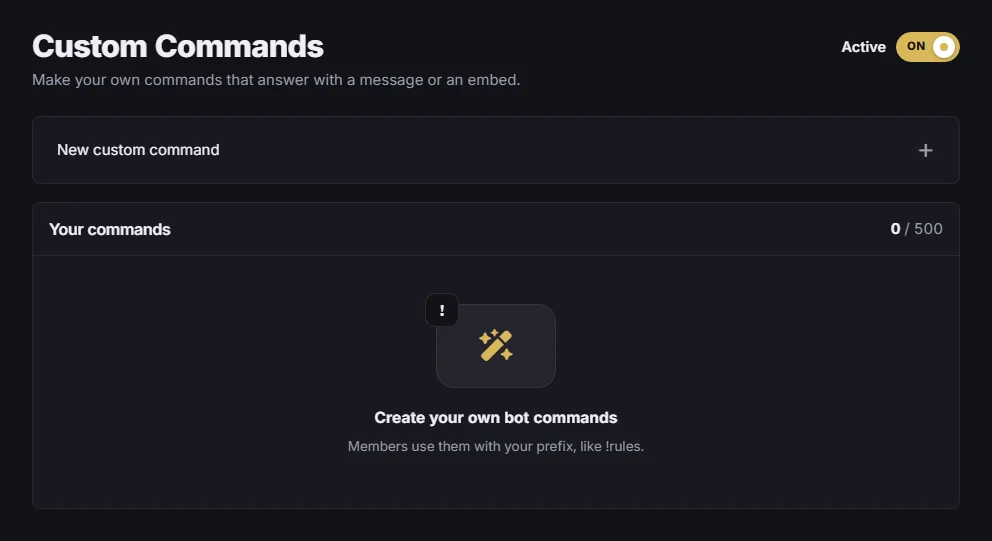
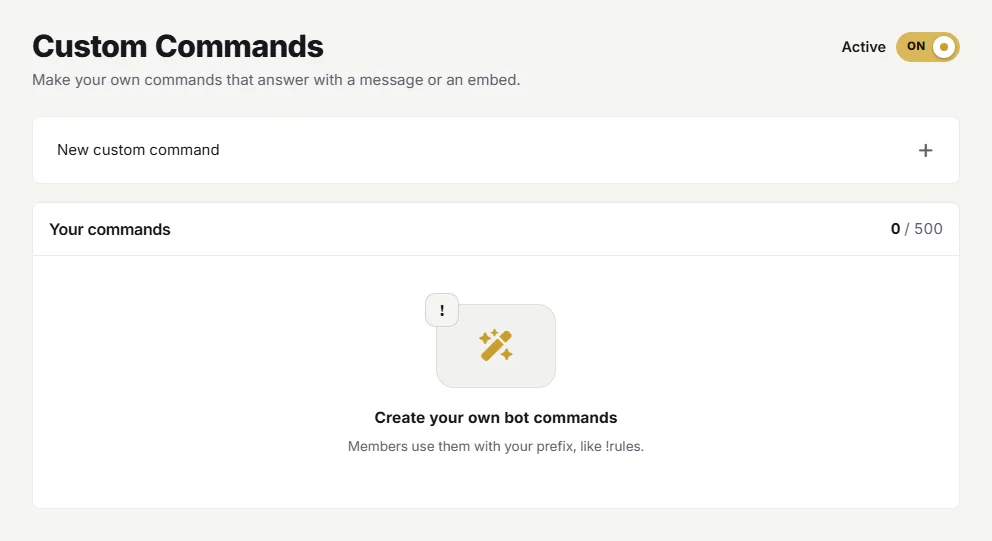
Make your own Discord commands, no coding needed
Create commands for your rules, links, FAQs or inside jokes. Each one replies with a message or an embed, in the channel, as a reply, or by DM.
Free to use right now. Some features may move to a paid plan in the future.
What it can do
Message or embed
Write the reply as plain text or a full embed, with variables for the member and the server.
How it replies
In the channel, as a reply to the member, or privately by DM.
Who can use it
Limit a command to certain roles or channels, and add a cooldown.
Usage counts
See how many times each command has been used, and turn any of them on or off.
Set it up in three steps
Add the bot
Add Chrysoberyl to your server and sign in to the dashboard.
Create a command
Open Custom Commands, give it a name and write its reply.
Choose who can use it
Set roles, channels and a cooldown, then save.
Questions people ask
How do I make a custom command on Discord?
Add Chrysoberyl, open Custom Commands on the dashboard, give the command a name and write what it should reply with.
Do I need to know how to code?
No. Everything is set up from the dashboard.
Can a command reply with an embed?
Yes. Replies can be plain text or a full embed with a colour, images and fields.
Works well with
Add Chrysoberyl to your server
Custom commands, moderation, leveling and more in one bot, all set up from the dashboard.