
Reaction roles
A reaction roles bot so members can pick their own roles
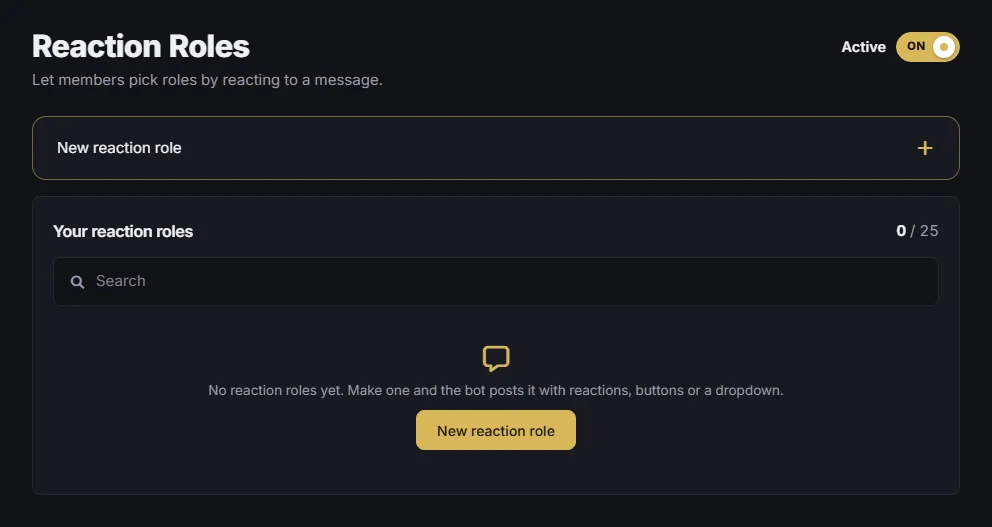
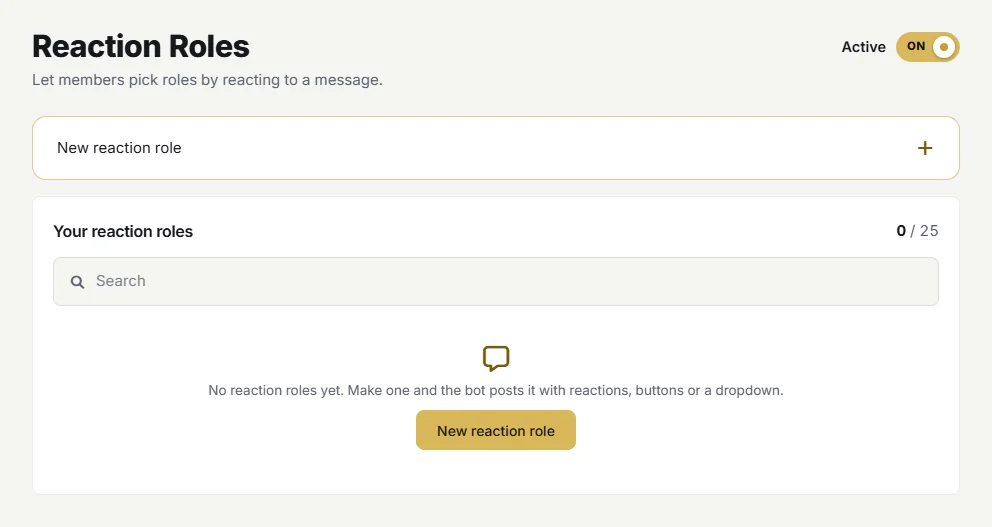
Build a role menu as an embed on the dashboard, add buttons or reactions, and post it in any channel. Clicking one gives the member that role, and clicking again takes it away.
Free to use right now. Some features may move to a paid plan in the future.
What it can do
Buttons or reactions
Use Discord buttons or classic emoji reactions, whichever suits your server.
Embed editor
Write the message as an embed with a colour, images and fields, laid out the way Discord shows it.
Edit after posting
Change the message later and update the one already posted, without starting over.
Toggle roles
Clicking again removes the role, so members can change their minds.
Set it up in three steps
Add the bot
Add Chrysoberyl to your server and sign in to the dashboard.
Build the message
Open Reaction Roles and write your embed.
Add roles and post
Add a button or reaction for each role, pick a channel and post it.
Questions people ask
How do I set up reaction roles on Discord?
Add Chrysoberyl, open Reaction Roles on the dashboard, build a message, add a button or reaction for each role, and post it in a channel.
Why isn't the bot giving the role?
The bot's own role must be above the roles it gives in your server's role list, and it needs the Manage Roles permission.
Buttons or reactions, which is better?
Buttons are easy to spot and tap on phones; reactions are familiar and compact. Chrysoberyl supports both, so use whichever fits your server.
Works well with
Add Chrysoberyl to your server
Reaction roles, moderation, leveling and more in one bot, all set up from the dashboard.